
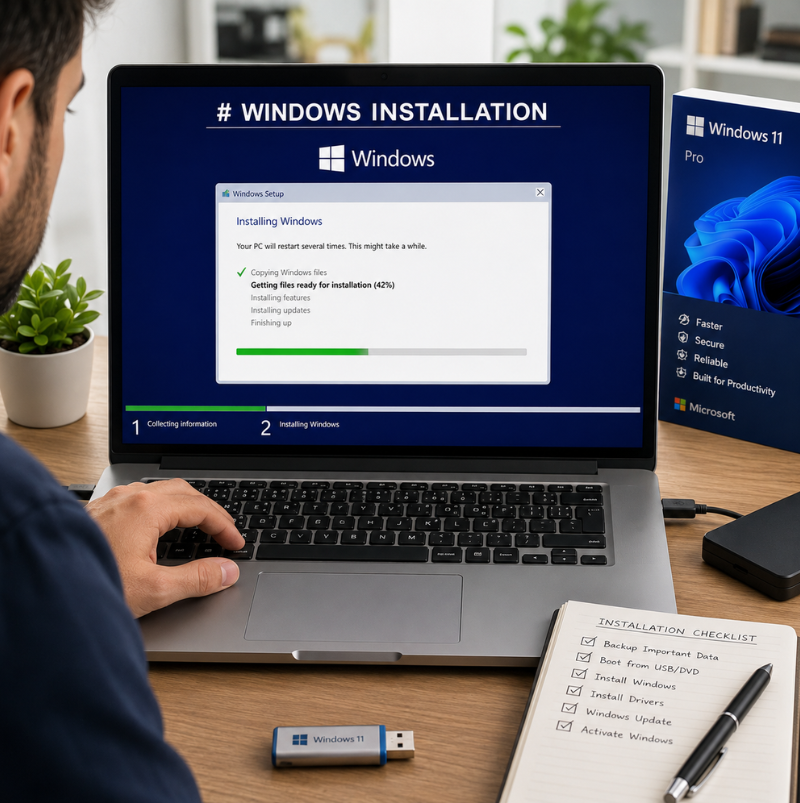
The operating system plays a major role in how a computer performs. Windows manages hardware, applications, files and many essential functions that allow users to complete everyday tasks. However, over time, computers can experience problems caused by outdated files, software conflicts, system errors or incorrect settings.
In some situations, reinstalling Windows can help restore performance and create a cleaner operating environment. While many users attempt the process themselves, professional installation can provide a more reliable setup and reduce the risk of losing important data or creating technical issues.
When a Fresh Windows Installation May Be Needed
There are several situations where reinstalling Windows can be beneficial. A computer that has become extremely slow, frequently crashes or experiences repeated software errors may require more than simple troubleshooting.
Over time, systems collect unnecessary files, outdated settings and unwanted programs that can affect performance. A fresh installation removes these issues and provides a clean foundation for applications and personal files.
Other reasons for reinstalling Windows may include replacing a damaged hard drive, preparing a computer for a new user or resolving serious operating system problems that cannot be fixed through normal methods.
Improving System Performance and Stability
A properly installed operating system can help improve overall computer stability. When Windows is installed correctly, unnecessary programs and unwanted settings are removed, allowing the system to operate more efficiently.
Users may notice improvements such as faster startup times, smoother application performance and fewer unexpected errors. However, the results depend on the condition of the hardware and the software installed after setup.
A clean operating environment also makes it easier to identify future problems because there are fewer unnecessary variables affecting performance.
The Importance of Data Protection Before Installation
Before reinstalling Windows, protecting important files should always be a priority. Documents, photos, business files and personal information should be backed up before making major system changes.
A common mistake is beginning the installation process without checking where important data is stored. This can result in accidental file loss if the drive is formatted or partitions are changed incorrectly.
Professional technicians can help review existing data, create backups and prepare the computer safely before installation begins.
Avoiding Common Installation Problems
Installing Windows may appear simple, but several technical steps require attention. Incorrect settings, missing drivers or compatibility issues can create problems after installation.
For example, a fresh Windows setup may require specific drivers for network connections, graphics, audio and other hardware components. Without the correct drivers, some computer features may not work properly.
Using a Windows Installation Service Georgia can help ensure that the operating system is installed correctly and configured according to the computer’s hardware requirements.
Keeping Security and Updates Current
A professional Windows installation should also include important updates and security considerations. An outdated operating system may be more vulnerable to security risks and compatibility problems.
After installation, users should ensure that Windows updates, security settings and essential applications are properly configured. This helps create a safer and more reliable computing environment.
Regular updates are also important because they improve system performance, fix known issues and maintain compatibility with newer software.
Helping Businesses Maintain Reliable Systems
For businesses, computer downtime can affect productivity and daily operations. Problems with operating systems, software conflicts or unstable computers can interrupt important tasks.
A properly installed and configured Windows system helps create a more predictable working environment. Businesses can also benefit from professional assistance when setting up multiple devices, transferring files or preparing computers for employees.
A planned installation process reduces disruption and helps ensure systems are ready for use.
Choosing Professional Installation Support
Although Windows installation guides are widely available, every computer setup is different. Hardware specifications, existing files and user requirements can affect the installation process. Professional support can help identify the correct approach, avoid common mistakes and ensure the computer is ready after installation.
For users looking for Professional Windows Installation Service Athens, expert assistance can simplify the process and provide confidence that the system has been configured correctly.
Maintaining Performance After Installation
A fresh Windows installation is only the beginning of maintaining a healthy computer. Users should continue practicing good maintenance habits, such as removing unnecessary programs, keeping software updated and monitoring storage space.
Regular backups and security checks can also help protect the system and reduce the risk of future problems. A well-maintained computer is more likely to provide consistent performance and remain reliable over time.
Conclusion
Professional Windows installation can help improve computer stability, remove unnecessary system issues and create a cleaner environment for everyday use. While reinstalling an operating system may seem straightforward, proper preparation and configuration are essential for achieving the best results.
By protecting data, installing the correct drivers and ensuring security updates are applied, users can enjoy a more reliable computing experience. Whether for personal use or business needs, professional installation support can help maximize the performance and lifespan of a computer system.