
Interactive extraction showcase with archive video, timeline, and JSON
Search inside media applications is no longer just keyword lookup. Users expect to find scenes, events, people, topics, visual states, product moments, safety issues, broadcast highlights, and archive material using natural language. Engineering teams need a retrieval architecture that supports semantic search, visual search, exact filters, SQL-style analysis, and agentic workflows over the same media foundation.
VectorMethods builds this foundation through VideoVector. The multimodal media search layer combines extracted metadata, media embeddings, visual context, transcripts, and asset-level descriptors. That allows applications to search video scenes and events by meaning, image reference, structured field, timestamp, or prompt-run output.
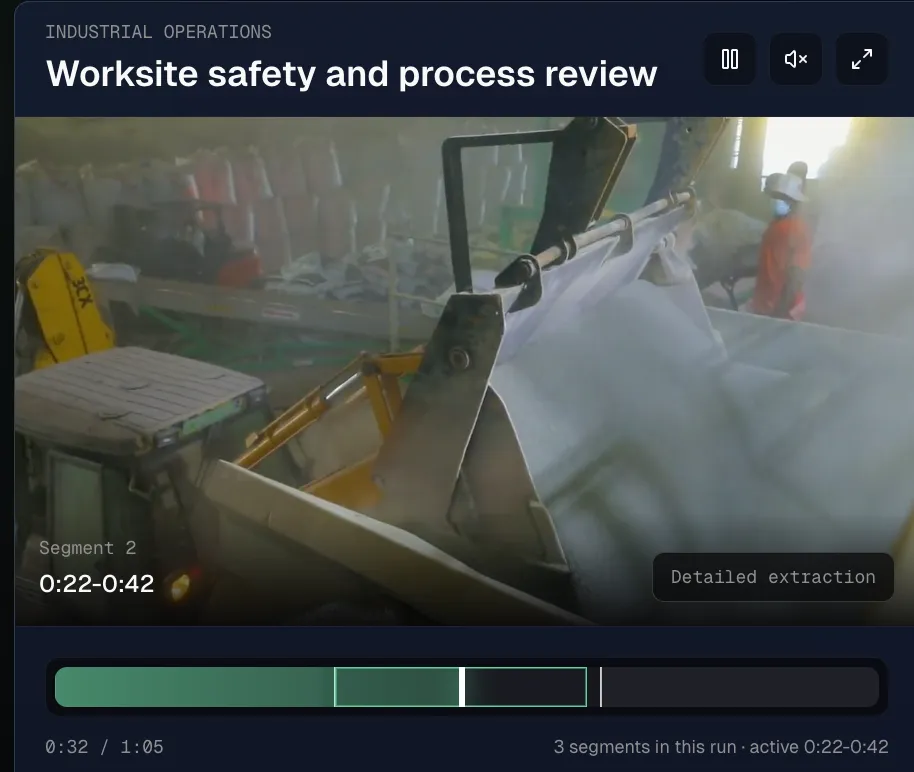
Video detail timeline and extracted fields from the product UI
A good media search architecture usually starts with extraction. Raw assets are processed into time-stamped segments and asset-level records. These records may include AI metadata extraction fields such as scene type, event category, visible entities, spoken language, catalog tags, product references, or operational observations. The fields become the structured layer that search can filter and rank.
Vector retrieval handles broad recall. With video vector embedding search, users can search by concept or example instead of memorizing exact labels. This is useful for archive discovery, training-data curation, recommendation surfaces, creative asset lookup, and VideoRAG systems that need related source moments.
Structured filters handle precision. If a workflow needs only a specific index, prompt run, time range, category, language, event type, or asset status, condition search can narrow the result set. SQL search supports a different use case: repeatable analysis over completed extraction outputs, selected fields, counts, and aggregations. Agentic search can combine multiple steps, refine queries, inspect results, and consolidate evidence.
The search model docs are useful when choosing between direct, multimodal, SQL, filter, multi-run, and agentic retrieval. The key design principle is not to choose one mode forever. A mature media application often needs several modes over the same processed media.
Schemas make this architecture maintainable. With schema-aware video metadata extraction, teams define fields that can be rendered in the UI, indexed semantically, filtered exactly, exported, or passed into downstream automation. That keeps media search aligned with the business workflow instead of drifting into generic tags.
For technical teams, VideoVector acts as the media retrieval substrate. It turns video, audio, and images into structured, embedded, searchable context so applications can move from raw assets to precise scene discovery, event search, and grounded media intelligence.